What Is Clerk Authentication?
With the Clerk Authentication service, we can manage authentication very quickly. Using Clerk, we can provide a login method that works across both web and mobile. Using this service lets us skip the effort we would normally need to put into building login from scratch.
One of its nicest features is the very wide range of sign-in options it offers. For example, it lets users sign in with their Google, LinkedIn, Apple, Facebook, GitHub, Microsoft, and similar accounts. The login screen below is a good example of this.
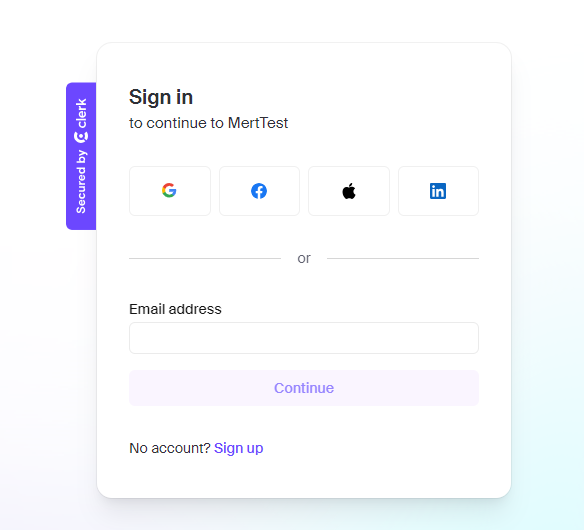
Let’s try Clerk together
1) Signing up and creating the login app
I’m signing up at https://dashboard.clerk.com/sign-up. After that, it greets us with quite an extensive set of documentation. I’m following the tutorial by picking JavaScript. After logging in, we name our first app and configure the sign-in methods.
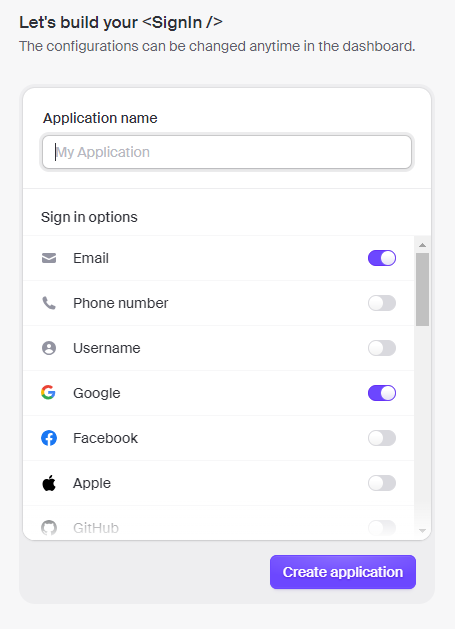
2) Let’s quickly build an app with JavaScript
At this stage, the repository Clerk itself provides lets us try things out quickly. We can download the repo by going to https://github.com/clerk/clerk-javascript-quickstart.
After downloading the repo, you need Node.js and npm installed on your machine. If you don’t have them installed, you can download them from https://nodejs.org/en/download.
Let’s open the folder for the Clerk repo we downloaded from GitHub.
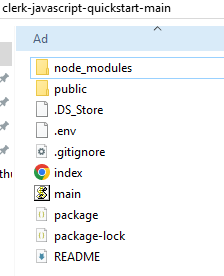
In this directory, we need to edit our key in the .env file. We paste the key we copied from Clerk’s web dashboard in, in the format shown below, and save it.
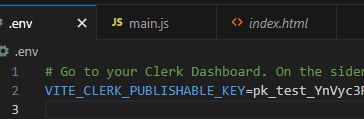
After saving, let’s install the npm dependencies for our repo.
npm install
npm run dev
Running these commands brings the app up. Let’s open our app, now running on localhost, in the browser.
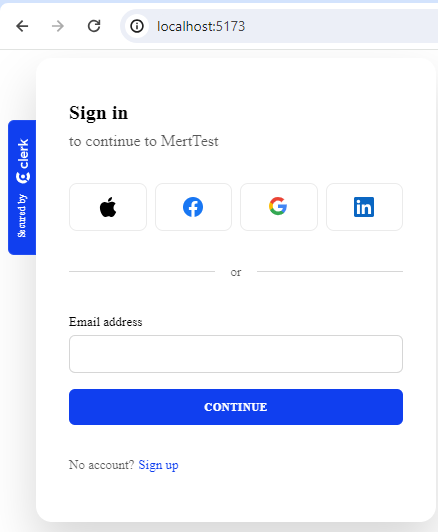
Now we can use the app to go through the authentication flow. I choose to sign in with my Gmail account and log in successfully.
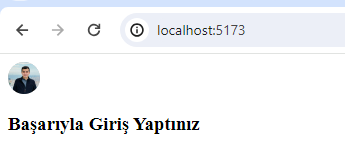
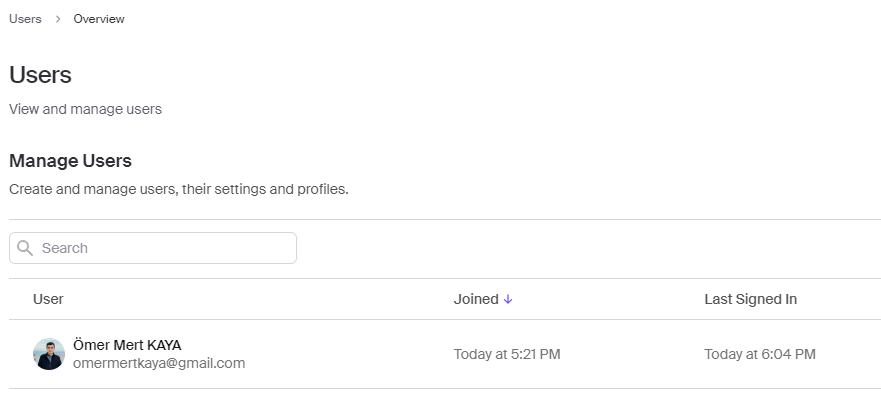
On top of that, Clerk also lets us track and manage our authentications through a clear dashboard in its own admin panel.
ClerkDashboard