What Is Active Directory LDAP Authorization? How Do You Implement Authorization in a Web Application With LDAP?
Many organizations, both in our country and around the world, use centralized identity management systems like Active Directory (AD) for user authentication and authorization. These systems make it easier to manage users and groups within an organization. LDAP (Lightweight Directory Access Protocol) is a protocol used to access directory services such as Active Directory. Through this protocol we can communicate with objects in Active Directory. We’re going to focus on users and security groups, and use the LDAP protocol in a Node.js web application we’re building.
What Is Active Directory LDAP Authorization?
- The user goes through authentication and signs in to Active Directory.
- LDAP queries are used to retrieve the user’s group memberships and role information from Active Directory.
- This information is used to determine the user’s access to specific resources or their authorization to perform certain actions.
Building Our Own Web Application and Active Directory Lab
We create an organizational unit named TestAPP in Active Directory. Then we create the TestAPP_Ekle, TestAPP_Guncelleme, TestAPP_Yazdirma, and TestAPP_Silme security groups.
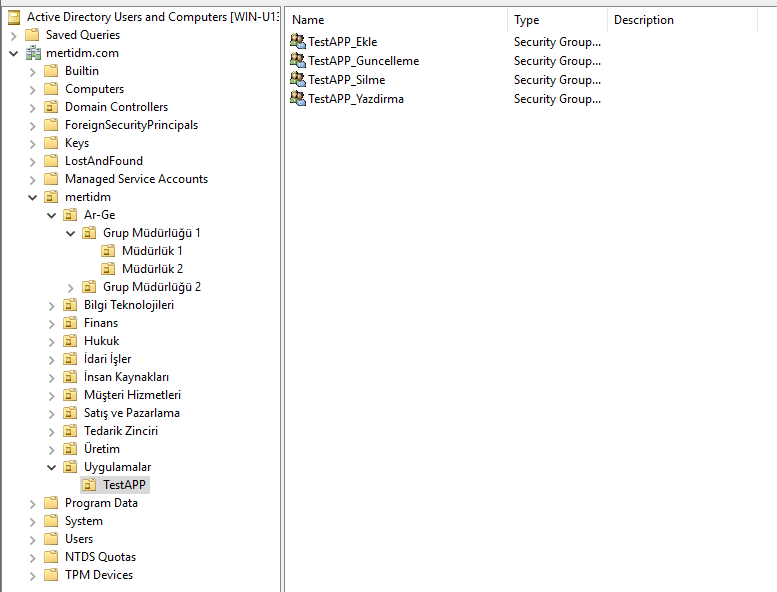
Let’s download the project files I prepared, from GitHub, onto our computer. Download the project
We navigate to the project directory and install all the dependencies by running the following command in the console.
npm install
Then we need to make a few adjustments.
We edit the routes/auth.js file. Here, the directory name I created in Active Directory shows up as mertidm.com. We adjust baseDN, username, and password to match our own environment.
const config = {
  url: 'ldap://localhost',
  baseDN: 'dc=mertidm,dc=com',
  username: 'CN=Administrator,CN=Users,DC=mertidm,DC=com',
  password: 'Mert123!'
};
After making these edits, let’s run our application.
node index
We type this to run our application.
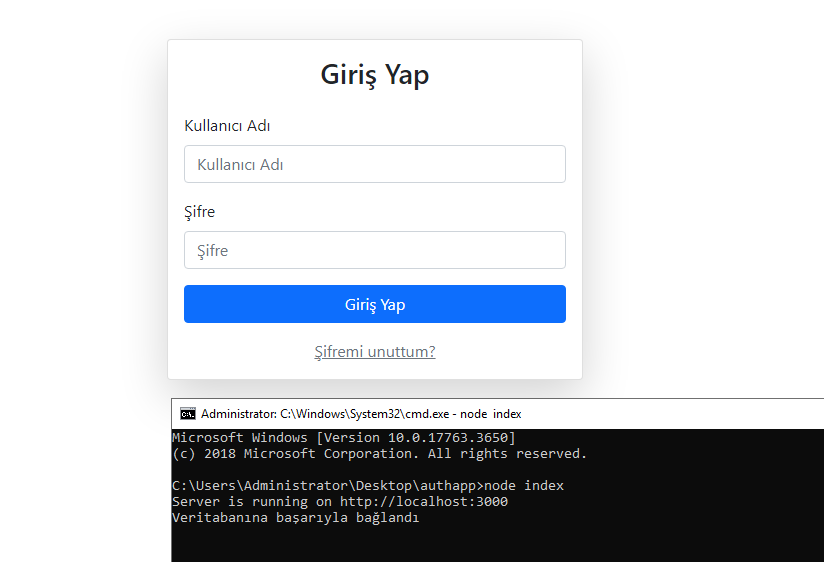
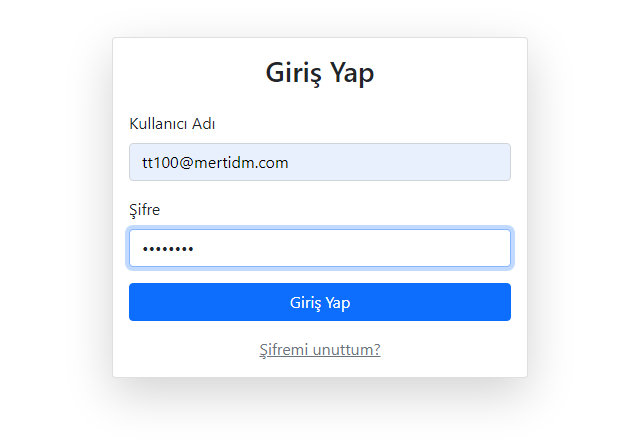
We log in with the user we created in Active Directory.
After logging in, the actions we’re allowed to perform in the application, based on our user’s permissions, are displayed on the screen.
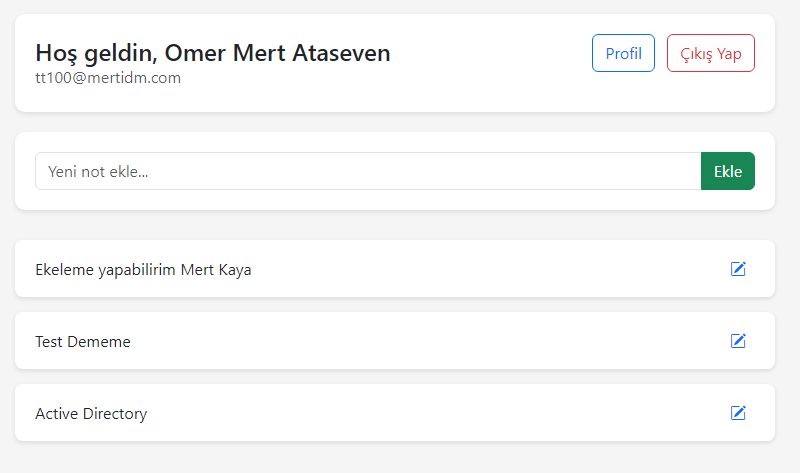
Based on our permissions in Active Directory, we can perform actions within the application.